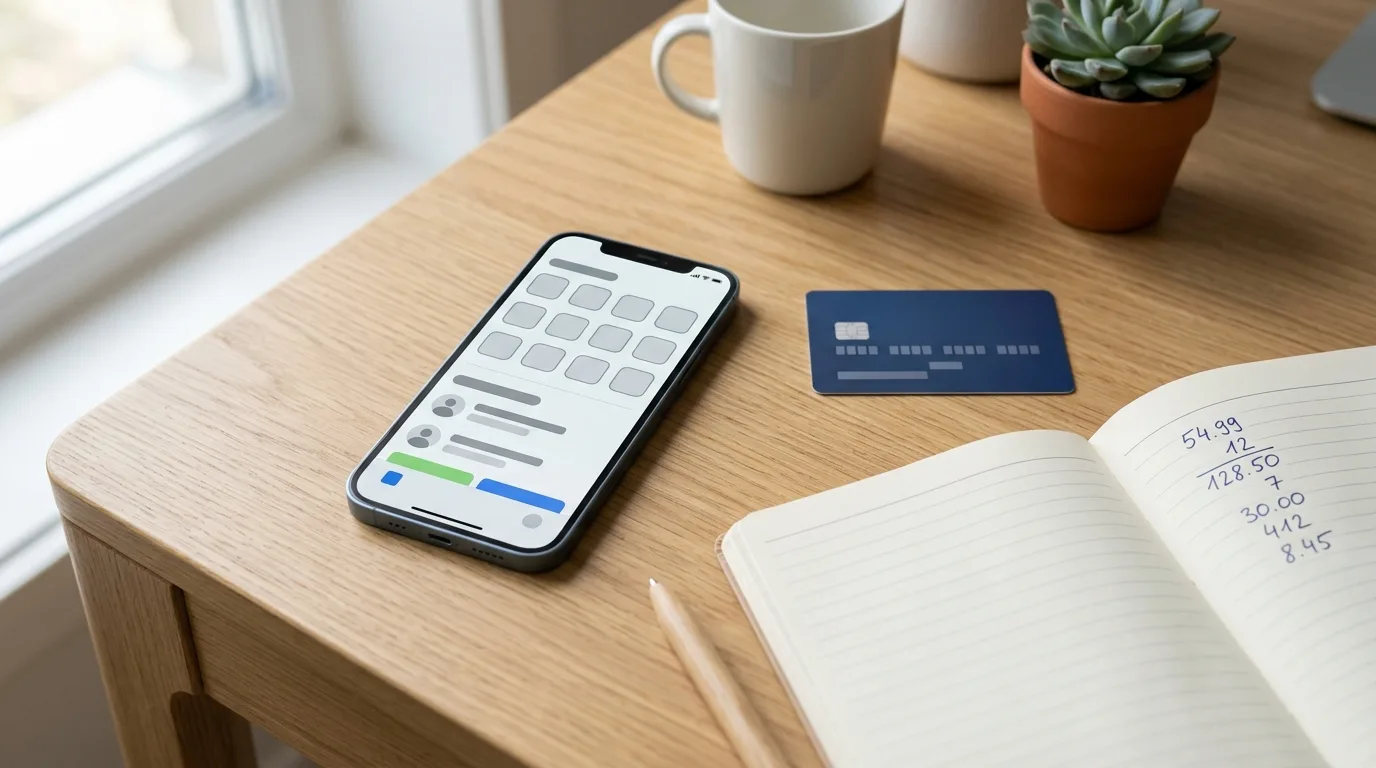
Probably not a card built specifically for app-store spending, because that category barely exists — but yes, it's worth rethinking which card you use. Marcus noticed his card statement had a new pattern: twelve separate charges last month, all from the same digital storefront, none especially large. Individually they looked like nothing. Added up, they were more than his electric bill, which is the moment to look beyond the reward rate and consider how most rewards programs handle this kind of spending.
Why App Store spending doesn't fit standard reward categories
Card issuers build bonus categories around merchant codes: grocery stores get one code, streaming services get another, gas stations get a third. App-store purchases — including the ones for in-app currency in a game — usually get coded under a broad digital-goods or general-merchandise label, not 'entertainment' or 'streaming.' That means a card that pays extra on streaming subscriptions won't necessarily pay extra when Marcus buys a bundle of in-game coins. compare current cash back offers
This matters because it's easy to assume 'digital spending' is one bucket. It isn't. A card optimized for Netflix and Spotify can still leave app-store charges earning the plain base rate, which is often lower than a good flat-rate card's everyday rate.
The practical fix is to stop looking for a category match and instead pick a card that pays a solid flat rate on everything, so the reward doesn't depend on how a specific transaction gets coded behind the scenes.
Already know what you want? Frequent app-store spending doesn't fit neatly into any standard rewards category — here's how to actually evaluate it.
Learn MoreHow big is this spending category, really?
Mobile game spending isn't a niche habit. U.S. consumers spent approximately $26 billion on mobile-game content in 2024, up from $24 billion in 2023, before app-store fees; mobile games accounted for about half of all U.S. video-game content spending.[1] If you're spending steadily in this category, you're part of a large and growing group, not an edge case card issuers can ignore forever — though most reward programs haven't caught up yet.
It also helps to know how this spending happens. Research cited by the CFPB found that players average 12.8 hours of gaming per week across multiple platforms, with smartphones among the most common devices used for gaming.[3] That's a lot of small, frequent touchpoints where a purchase can happen — which is exactly why the charges show up as many small transactions instead of one large one.
Because consumers made more than 60% of their monthly payments with credit or debit cards in 2023 — 32% with credit cards and 30% with debit cards —[2] the question isn't really whether to put this spending on a card. Most people already do. The real question is which card, and whether the reward rate and protections match the pattern.
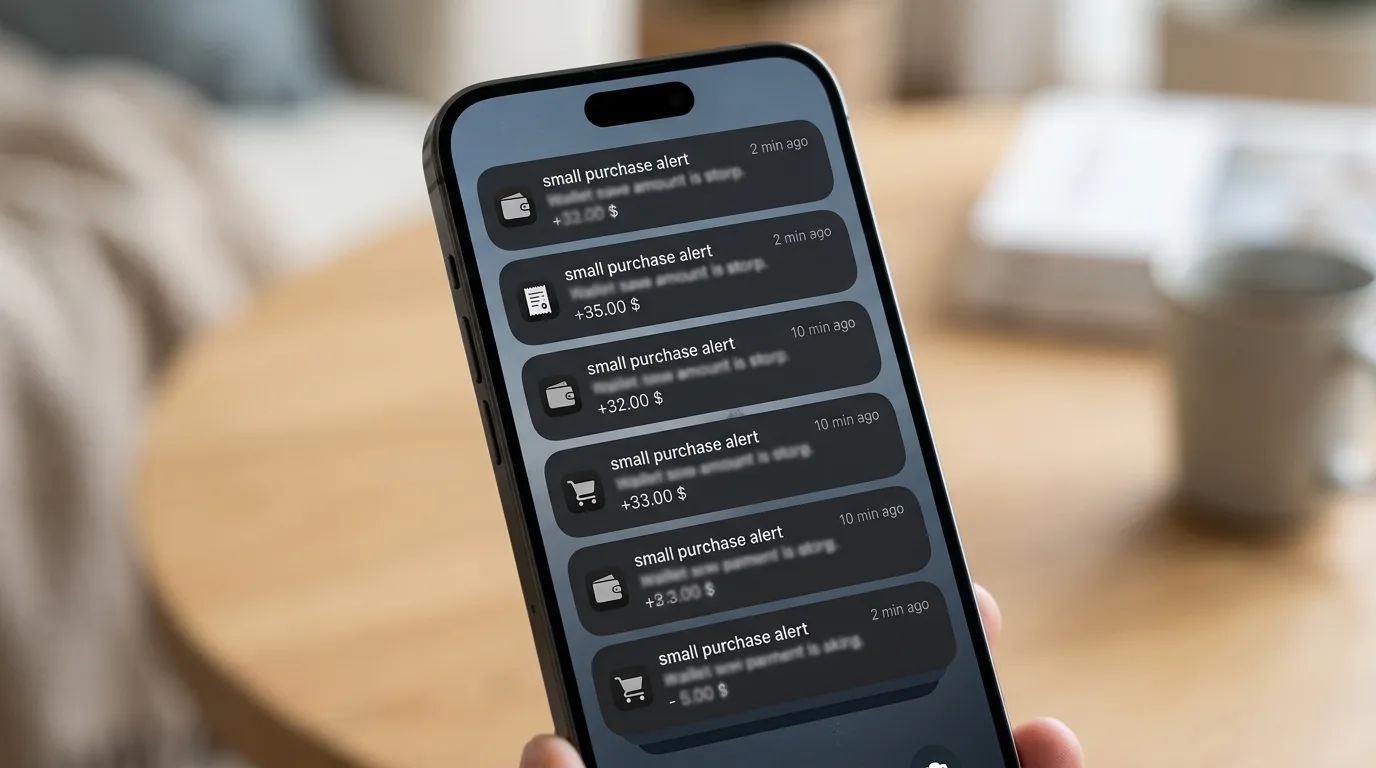
Many small same-merchant charges are exactly the pattern that can trigger a fraud alert or account hold.
The hidden cost competitors miss: fraud holds and dispute friction
Here's the part that gets skipped when people just compare cash back percentages: frequent, small, same-merchant charges can trigger fraud monitoring. A series of charges from the same digital storefront in one billing cycle can look like a compromised card to an issuer's fraud algorithm, even though it's just Marcus buying a battle pass and some skins.
This isn't hypothetical. Unauthorized in-app charges, especially from children using a parent's saved payment method, were significant enough that the FTC required a refund program totaling at least $32.5 million for exactly this kind of charge.[4] If disputes happen in your household — a kid taps through a purchase screen, or a subscription renews without you noticing — you want a card with fast alerts and a straightforward dispute process, not just a card that pays an extra half percent.
So when comparing cards, check two things beyond the reward rate: how quickly the issuer's app sends purchase alerts, and whether you can lock the card to a single merchant or set spending limits per transaction. Some issuer apps let you freeze a card instantly if you spot an unfamiliar charge — genuinely more valuable here than a slightly higher cash back rate.
- Set up instant purchase alerts through your card's app, not just monthly statements.
- Consider a virtual card number for the App Store account so you can freeze or replace it without touching your main card.
- Turn on purchase confirmation (like requiring a password or Face ID) at the device level to cut down on accidental in-app charges.
- Review your billing cycle monthly for game subscriptions or passes that renewed without you noticing.
Cash Back Offers
Ready to match a card to how you actually spend?
| Card type | Typical earn on App Store/in-app charges | Best fit if... |
|---|---|---|
| Streaming/entertainment category card | Base rate only (category usually excludes app stores) | You mostly spend on actual video/music subscriptions |
| Flat-rate cash back card | Full flat rate on all purchases, including app-store charges | Your digital spending is spread across many small, frequent charges |
| General rotating-category card | Base rate most quarters; bonus rare for app stores | You're comfortable tracking categories manually |
| No-rewards debit card | None, plus weaker dispute protections | Not recommended for recurring digital spending |
Should you actually apply for a new card, or use one you already have?
If your current card already pays a solid flat rate on everyday purchases, a new application may not add much. The difference in rewards may be real but not dramatic, and it has to be weighed against a new hard inquiry on your credit report and possibly another annual fee.
Where a new card starts to make sense is if your current card earns nothing extra on this spending, or worse, if you're currently running these charges through a debit card with no rewards and no purchase protection at all. Moving recurring digital spending to a rewards credit card, paid off in full each month, converts a cost center into a small but steady return — while also giving you dispute rights that debit cards generally don't offer as strongly.
One more angle worth considering: if your household spending on subscriptions, streaming, and app purchases is collectively large, it might be more efficient to consolidate all of it — App Store, streaming, cloud storage — onto one card that rewards general digital spending well, rather than opening a separate card for gaming alone.
Before applying, total your App Store and in-app charges from the last three statements. If the spending is consistent, the reward-rate difference may be worth considering. If it's sporadic, a fraud-alert setup on your existing card may solve more of the actual problem.
What to compare before you apply
Skip the search for a card marketed toward gamers or app-store spending specifically — it doesn't meaningfully exist as a category. Instead, compare flat-rate cash back cards recommended for good to excellent credit, and check each one's list of categories that are explicitly excluded from bonus earning, since 'digital goods' sometimes shows up there even on otherwise generous cards.
Also check whether the issuer's app supports instant transaction notifications and card freezing, since that protects you against the fraud-hold and unauthorized-charge risk that comes with this spending pattern. A no-annual-fee flat-rate card that does both of those things well will usually beat a category card that technically pays more but leaves you chasing disputes.
Compare Current Offers
Find a card that fits your real spending pattern
Compare cash back cards built for everyday digital spending, not just streaming subscriptions.

Totaling three months of app-store charges before applying shows whether a new card is actually worth it.
Learn More About Top OffersFrequently Asked Questions
Is there a credit card built specifically for App Store purchases?
Will a streaming rewards card cover my game purchases?
What matters more than the reward rate for this kind of spending?
How much mobile game and app spending is normal these days?
Should I use a debit card instead to avoid overspending on games?
Can I limit or freeze a card just for App Store charges?
Is it worth opening a new card just for this one spending category?
The Bottom Line
There's no card purpose-built for App Store or in-app purchases, and there probably never will be, because these charges get lumped into a generic digital-goods code rather than their own category. That means the winning strategy isn't hunting for a niche card — it's picking a strong flat-rate cash back card and pairing it with better fraud alerts, since frequent small charges are as much a security question as a rewards question.
If your gaming and app spending is steady, moving it onto a well-chosen flat-rate card is a reasonable, low-effort upgrade. If it's occasional, spend your energy on turning on purchase alerts and confirmation settings instead — that may protect more value than switching cards ever will.